If a worker wants to do his job well, he must first sharpen his tools.
From idea to product, there are several twists and turns in between. The determination of product positioning determines the life and death of the product. The determination of product functional requirements determines the development cycle and the cost of trial and error. The Internet is all about speed, so it is necessary to make an MVP (minimum viable product). Of course, before that, you can also demonstrate the product through high-fidelity prototypes.
Let’s sort out some working methods and tools from product conception to project execution and product prototype delivery stages:
1. Idea
First, draw a user flow chart based on the product form, such as the registration and login process, and the shopping process of shopping APP users, which will help you think about the pages and functions involved in the product. Next, you need to classify and summarize the functions of the APP, and use a mind map to sort out the structural framework of the product, which will serve as a reference for designing the APP interface.
In the conception stage, it is OK to draw a sketch with a pencil. Once it is finalized, it needs to be organized into the PRD document.
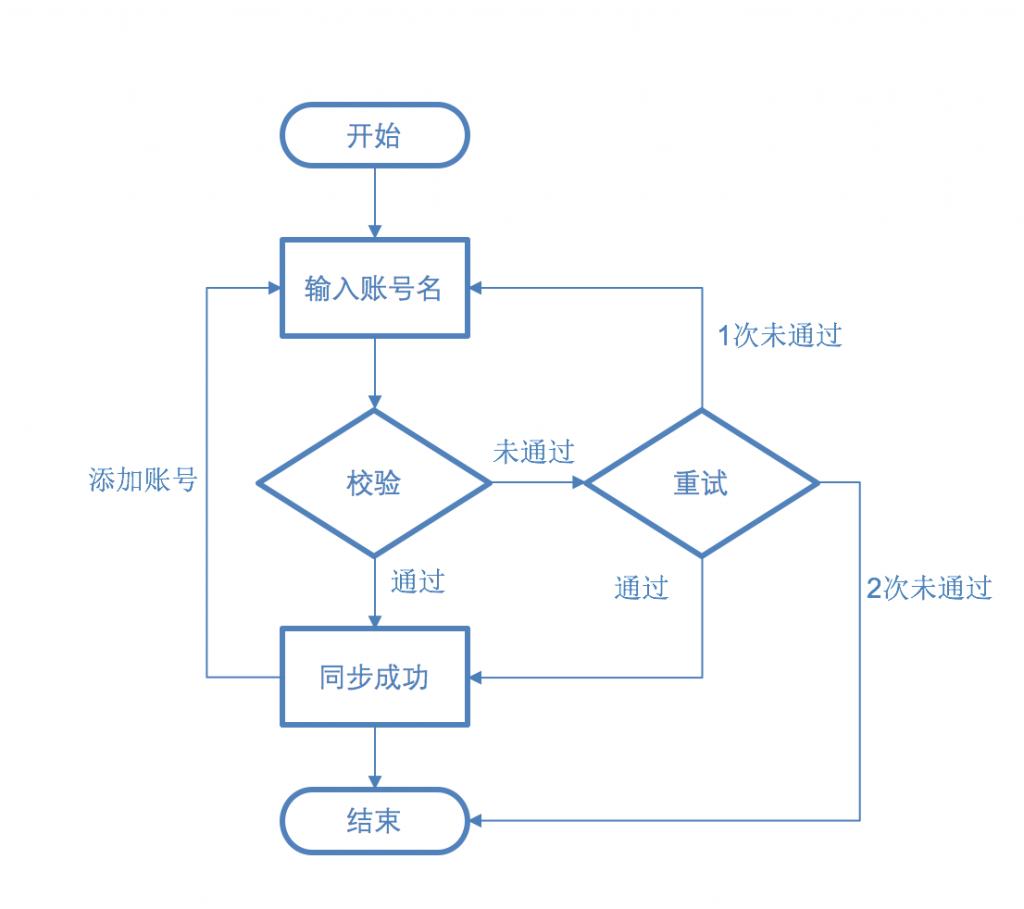
Sample flowchart
Flowchart software recommends VISIO and OmniGraffle, simple flowchart Powerpoint is also acceptable.
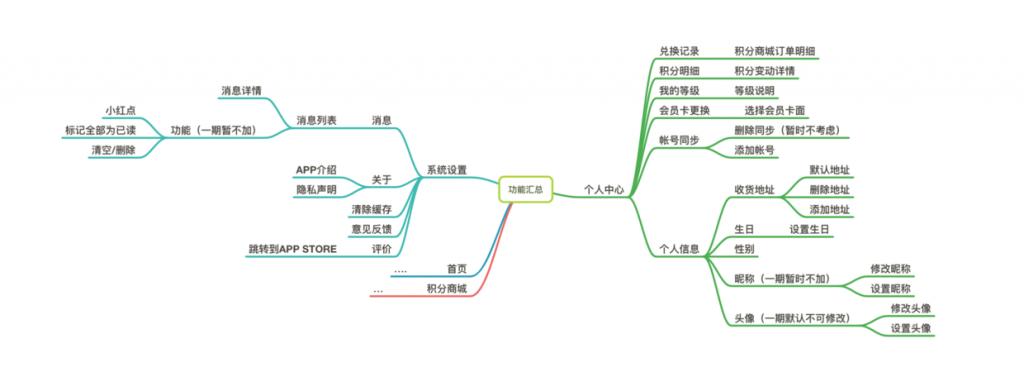
Example mind map
Mind mapping software recommended Xmind and MindNode
2. Inspiration
A good design inspiration must come from the accumulation of daily materials. After you have seen N apps, N kinds of design solutions, and become familiar with the design patterns, and see a need, you will already have an idea of what the app will look like.
Recommended inspiration websites: Behance, Dribble
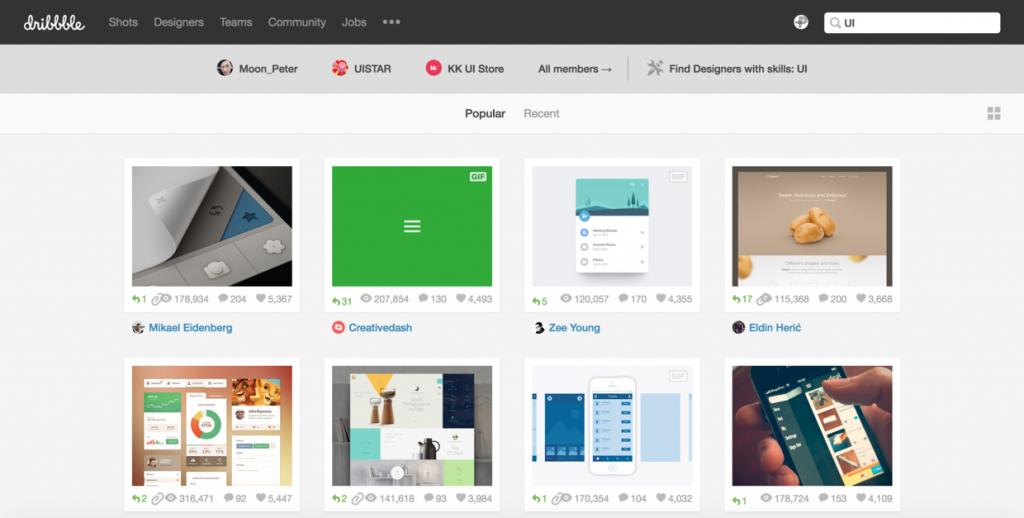
dribbble
Material organizing tools: Pixave, Ember, Inboard… Quickly build your material library by labeling and classifying pictures, and it is easy to search.
You may ask, "With a professional UI/UX designer, does a product need to be so in-depth about design?" On the one hand, I really love design, and I will devote all my energy to research; on the other hand, my point of view is that UI design is based on your prototype for interface design, which will be subject to certain limitations. If you are a more advanced designer, you will add your own experience and thinking to the design. The junior UI may be designed directly based on your prototype. You have more say in UI design such as color matching and icon drawing, but your product structure and layout affect the design ideas from the beginning.
3. Sketch

paper and pen
Paper and pen are the best tools, bar none, that can quickly draw the interface in your mind.
It is recommended to use dotted scratch paper with a mobile phone frame to facilitate controlling the size of elements according to their actual physical dimensions.
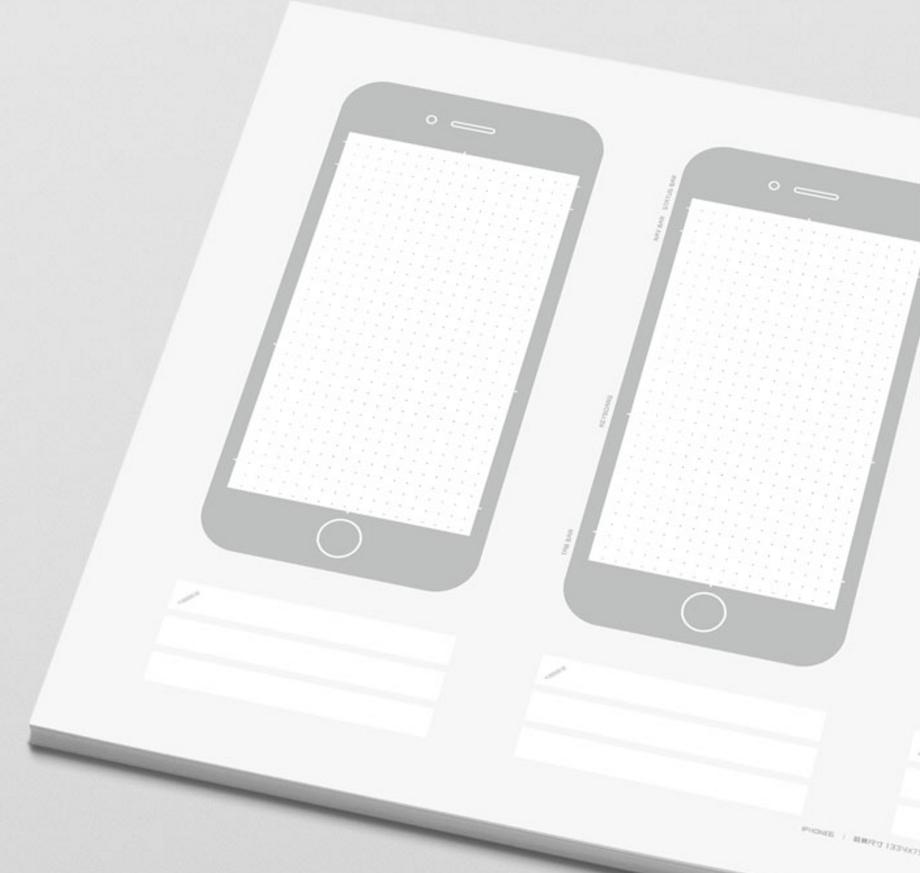
prototype paper
If you are a Virgo who pursues details, or a Libra who pursues perfection, you can try this ruler.
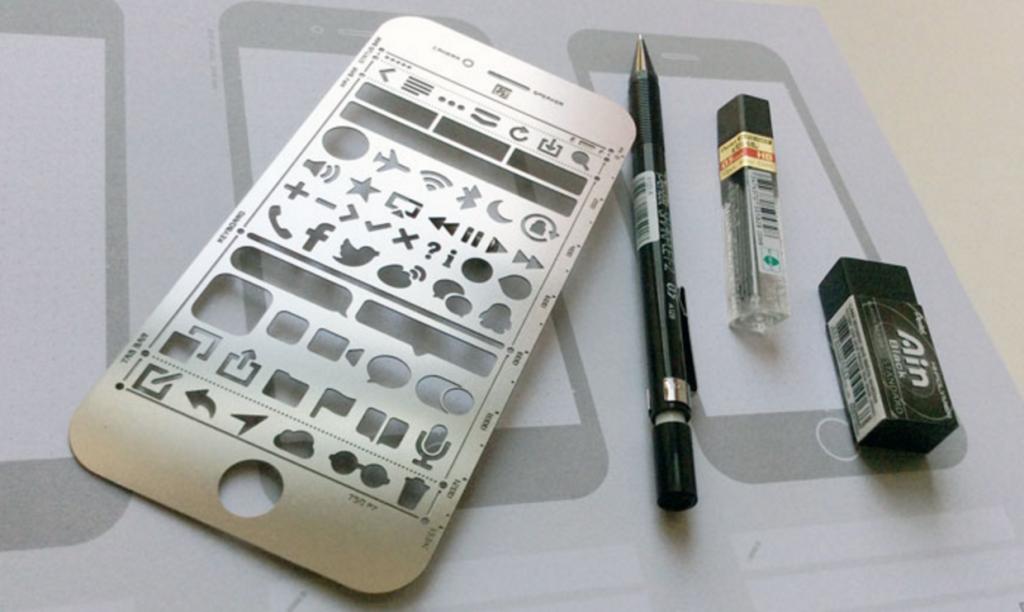
prototype ruler
A printable template is provided, courtesy of Marvel App: Download here
4. Design
At this stage, hand-drawn design drafts can be made into prototypes. The high-fidelity model can define a UI interaction design draft that includes colors and interface elements, or it can be defined as a relatively high-fidelity grayscale, colorless design that includes interaction logic. I think that for products, it is the latter. The product focuses more on the interaction between the interface and people and the logic between interfaces.
High fidelity can reduce communication costs, and the display of product logic, processes, layout, and operating status can quickly be understood by team members.
There are many tools for prototyping, such as Axure RP for Web, Justmind for mobile design, and online Ink Knife, etc.
Sketch is highly recommended here, a professional mobile APP interface design software, and the product can also be used for prototypes.
Sketch
Sketch is a vector drawing app for all designers. Vector drawing is currently the best way to design web pages, icons and interfaces. But in addition to vector editing capabilities, we also added some basic bitmap tools, such as blur and color correction. We try our best to make Sketch easy to understand and use. Experienced designers can use their design skills in Sketch in a few hours. For most digital product designs, Sketch can replace Adobe Photoshop, Illustrator and Fireworks. ——Excerpted from "sketch User Manual"
Sketch provides native controls for iOS and Android systems, which can be used directly.
ios UI Template
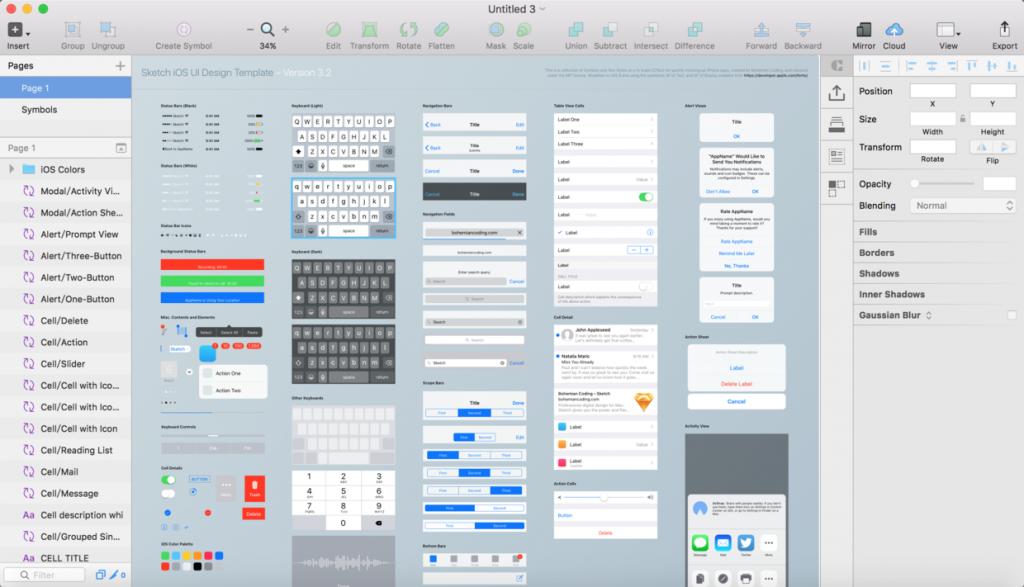
Material Design Template
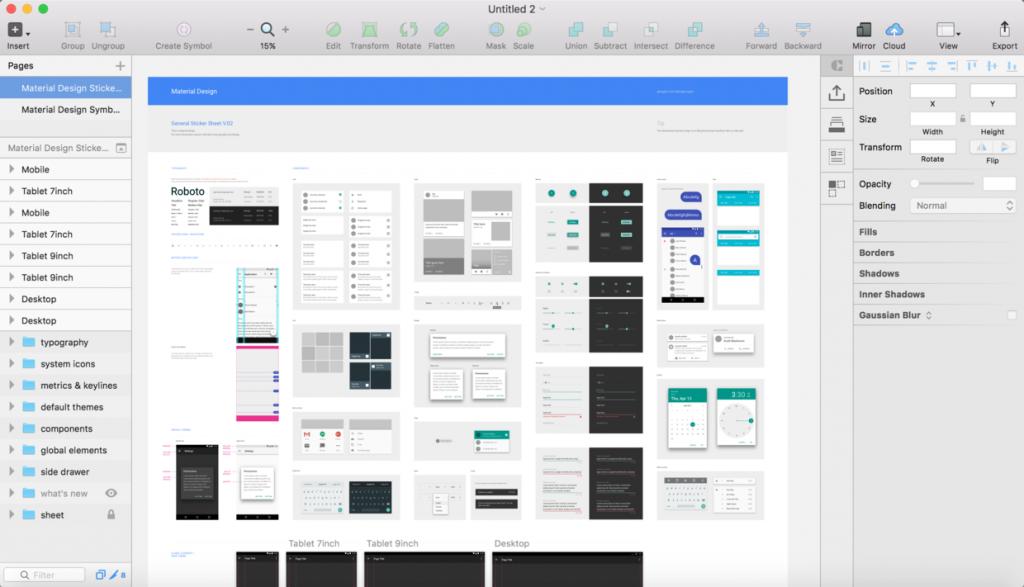
As a product, you don’t need to do any complicated and cool designs. You can get started with this tool in about an hour.
Study materials:
Sketch Chinese Manual Medium Sketch Collection Design + Code
Material website:
sketch app sourcessketch repoUI8 (paid) 5. Demo
Whether it is to customers, bosses, or team members, demonstrating interactive effects is an essential part.
Demonstrations of hand-drawn sketches and low-fidelity models can be demonstrated through the POP APP, taking photos and then creating connections between pages.
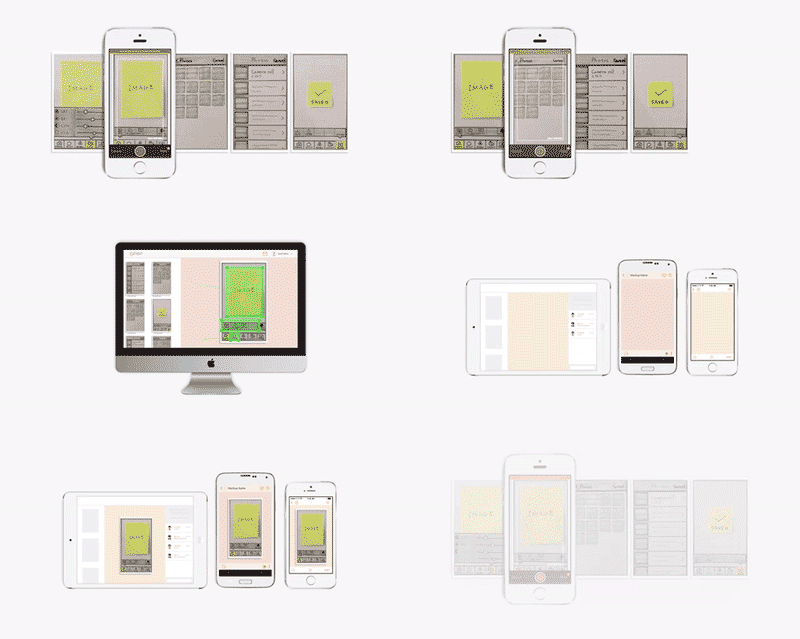
POP
In addition, high-fidelity models for Sketch output. Demonstrations can be done through interactive tools.
Silverflows is a tool for prototyping directly in Sketch. However, the front-end time was acquired by invision. It is planned to be integrated into the Craft2.0 version produced by invision labs. It is still very worth looking forward to. BTW, Craft is a very powerful plug-in in Sketch.
Recommended: Flinto, Principle and Marvel. All three tools can directly import Sketch design drafts, and then design click jumps and transition animations between pages. It is worth mentioning that Principle supports timelines, and you can create parallax scrolling effects.
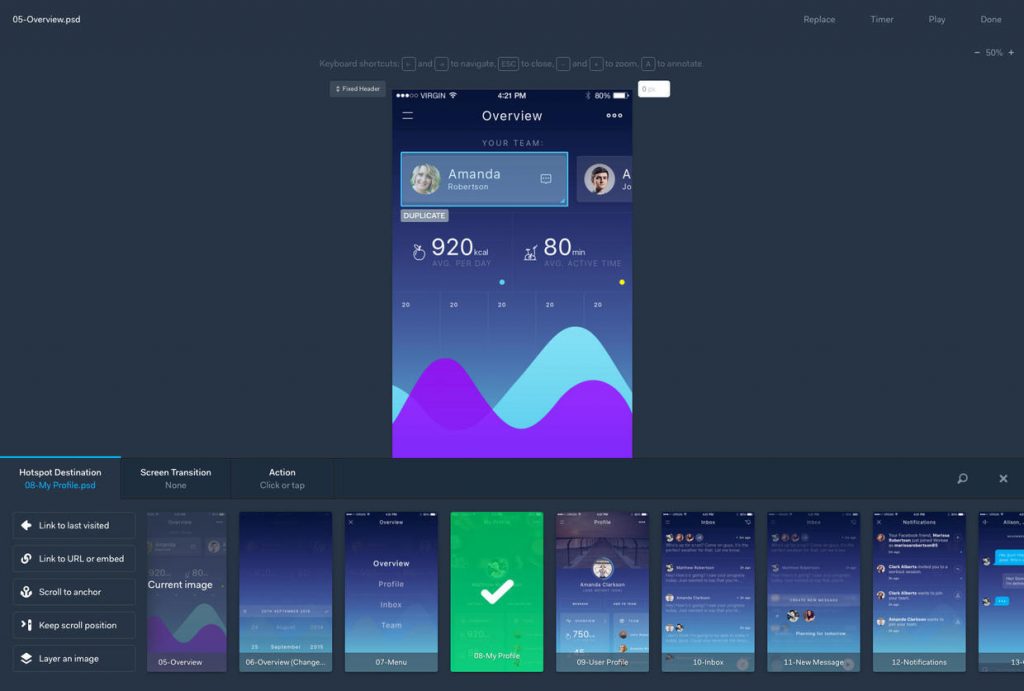
Marvel
Remember not to spend too much time on cool effects, which may slow down the progress of the project. Just be able to achieve basic demonstration effects.
Tips: You can connect your phone to your mac and use Quicktime to record the screen and project the phone screen onto the projector for demonstration.
6. Collaboration
If you need to show the prototype to team members for real-time discussion, you can mark it in real time, which can save communication costs and improve efficiency.
We recommend several real-time collaborative marking tools such as invision, zeplin, and the domestic Bearyboard.
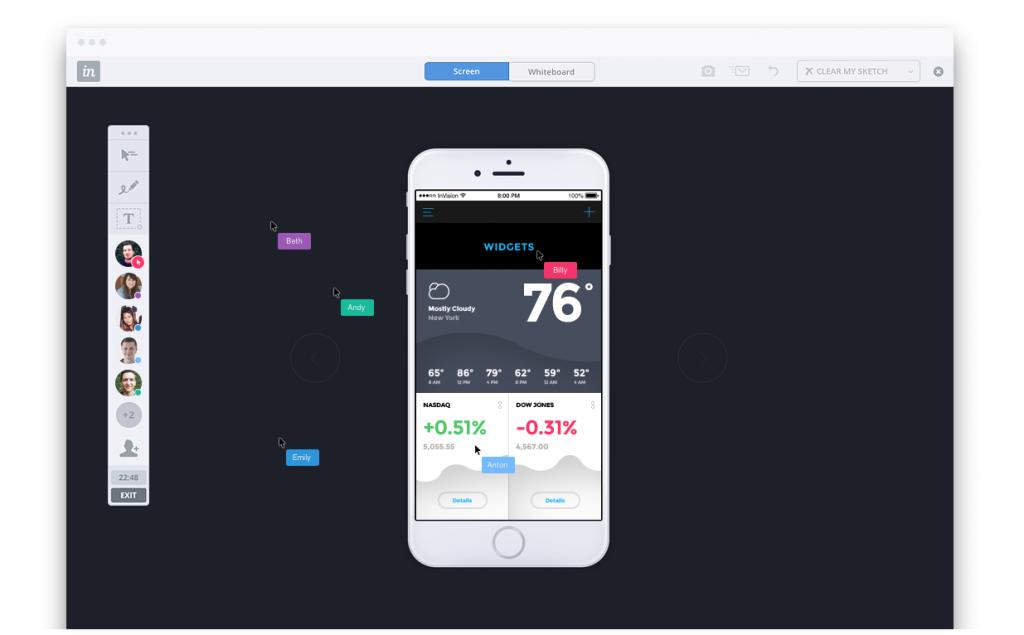
invision
Prototyping is only a small part of the product manager's work. The product manager's focus should be on user research, demand analysis, and product planning.