1. List of commonly used shortcut keys of Great Wisdom: 0+Enter system function menu; 11+Enter increase ranking; 12+Enter amplitude ranking; 13+Enter trading volume ranking; 14+Enter current hand ranking; 15+Enter volume ratio ranking; 16+Enter capital flow ranking; 17+Enter commission ranking; 18+Enter turnover rate ranking; 19+Enter Price-earning ratio ranking; 20+Enter stock price ranking; 21+Enter total market value ranking; 22+Enter circulation market value ranking; 23+Enter today's information mine list; 51…58+Enter switch to self-selected section (1-8); 888 smart ballot box; Alt+C graphic version closing processing; Alt+F2 sector monitoring; Alt+F5 Switch to static analysis; Alt+H for help on the current screen; Alt+X for self-selected stock settings; Alt+Z for adding the current stock to the self-selected section; Ctrl+F2 for stage ranking; Ctrl+F8 for fundamental ranking; Enter k-line, time-sharing trend, and ranking quotation screen to quickly switch; Spacebar Great Wisdom Roadshow Hall; Ctrl+2…8 Multi-screen combination under k-line screen; Ctrl+C Clear the line drawing under the k-line screen; Ctrl+Q interval statistics under the k-line screen; Ctrl+T (R, F) Backward re-righting (forward, manual re-righting) under the k-line screen; – Switch chip distribution under the k-line screen; F7 indicator parameter setting under the k-line screen; F9 line-drawing tool under the k-line screen; 2. Question: Where are the username and password for user login registered? How to register? Answer: After the installation of internet3.51w downloaded from the Great Wisdom homepage is completed, when running for the first time, the default service main station in the "User Login" window is "Great Wisdom Main Station 2". Click the "Apply User" button, and the "Select Sales Department" window will appear. After the selection is completed, A username and password will be applied for, and you can log in (Note: This username and password can only be used to log in to the "Great Wisdom Main Station 2"). If after selecting the sales department, there is no response for a long time, and you do not get the username and password (normally it only takes 2 seconds), it may be because the server is busy, please apply after hours. , or call Da Zhi’s manual authorization number to obtain the user name and password (Shanghai users), 021 for other regions). Please note the password and user name elsewhere to avoid repeated applications after reinstalling the system or Da Zhi. 3. Question: How to download data for Da Zhi Internet version? Answer: Use the data download tool after the market opens (can be found in the main menu "6. Tools"); select the required data in the data download tool and download it. After the download is completed, you can browse it offline. The 15-minute, 30-minute, and 60-minute lines are automatically converted from the five-minute line, and only the five-minute line is downloaded. Fourth, question: How to display the "upcoming imminent" indicator in the Internet version of Great Wisdom? Answer: The "imminent pull-up" indicator requires a relatively complete historical K-line of the market and the individual stock you want to browse. The specific operation is to take 000023 as an example: First, call up the K-line chart of Shenzhen Component Index 399001 (for Shanghai stocks, call up the K-line chart of SSE 000001; if your K-line data for the market is complete, you can skip this step). Press the "↓" key on the keyboard to shrink the graph, so that the K-line chart can be as complete as possible. Line data, download to the local. Then, call up the K-line chart of 000023, also press the "↓" key on the keyboard to download the data. At this time, type "LSZJ" to display the "upcoming soon" indicator. (Note: This indicator does not apply to sub-new stocks) 5. How to plug-in the commission program: Da Zhi can plug-in various commission systems, and can also use the commission systems of multiple brokers at the same time (1) Usage 1. Press F12, or select Delegation 2 from the main menu. If you have already set up the delegation system connected to Great Wisdom, please go to step 7 3. Select Add Delegation Item 4. Enter the delegation name, this can be set according to the customer's preference 5. Enter the delegation program, this is the full path file name of the delegation program. You can know it by right-clicking the mouse to view the properties of the delegation program icon on the desktop, or ask the installer of the delegation program 6. Press the OK button and repeat steps 3-6, Until all the commissions are set up 7. In the self-service commission interface, select an commission system item on the left and press Start Commission (2) Support brokers support "Beijing Securities" "Beijing Securities Online Trading Commission System V3.0" Support "Bohai Securities" "Bohai Securities Online Trading System" Support "Great Wall Securities" "Online Commission Order Program V4.32" Support "Dapeng Securities" "Online Trading System Client" Supports "Online Stock Independent Trading System V3.51" of "Guangfa Securities" Supports "Online Commission (Standard Edition)" of "Guotai Junan" Supports "Online Stock Trading Analysis System V3.46" of "Guotong Securities" Supports "Xinwang Hexin Commission" of "Guosen Securities" Supports "Online Trading Commission System V3.0" of "United Securities" Supports "Trading Commission V2.6" of "Southern Securities" Supports "Client Independent Version" of "Taiyang Securities" Supports "Yide Securities Trading Professional Edition" of "Tianyi Securities" Supports "Yuanwang Trading Client Software (Normal Edition 2.0)" of "Xiangcai Securities" Supports "Online Trading Client Software V4.28" of "Galaxy Securities" Supports "Southwest Securities Feihu Online Commission" Supports "Online Trading System (Direct Order Program)" of "Industrial Securities" Supports "Online Steady Win Trading System V3.03" of "Huaxia Securities" Supports "Standard Edition Online Trading Software 3.0" of "Haitong Securities" Supports "Entrustment Client in Dafuxing Analysis System" of "Northeast Securities" Supports "Online Trading System NetStock2.06" of "National Securities" Supports "Online Securities Commission System Value Platinum Version 5.01" of "Huatai Securities" Supports "Online Trading System V3.49" of "West China Securities" Supports "Online Trading Client V3.45" of "Minfa Securities" Supports "PA18 Online Winner Independent Commission System" of "Ping An Securities" Supports "Online Trading Client" of "Nanjing Securities" Supports "Online Trading Client" of "Dongguan Securities" Supports "Online Commission Trading System v3.0" of "Datong Securities" Supports "Online Trading Software" of "Guohai Securities" Supports "Dafuxing System Securities Trading" of "Jiangmen Securities" Supports "Tianyi Online Securities Trading System V3.0" of "Tiantong Securities" Supports "Online Commission System 2.0 Client" of "Shanghai Securities" Supports "Jinstar Online Trading Client" of "Weishen Securities" Supports "Hang Seng Securities Shinkansen Trading System" of "Western Securities" Supports "Guolian Securities Online Trading" Supports "Xiamen Securities Commission Trading System" of "Xiamen Securities" Supports "Online Commission System Standard Edition" of "Anshan Securities" Supports "Chengdu Securities" "Chengdu Securities" "Online Trading System Standard Edition" Supports "Northwest Securities" "Online Trading System" Supports "Hebei Securities" "Online Trading System" Supports "Hongyuan Securities" "Online Trading System V1.1" Supports "Guangdong Securities" "Standard Edition Trading Software" Supports "Hantang Securities" "Quotes Trading System" Supports "Minan Securities" "Online Trading System Standard Edition" Supports "Zhongfu Securities" "Online Trading Client" Supports "Xinyada Commission Analysis System" of "Anhui Guoxin" Supports "Online Securities Security Trading System V3.0" of "Guoyuan Securities" Supports "Online Trading System 4.56" of "Hunan State Investment" Supports "Online Trading Special Client" of "Shaanxi State Investment" Supports "Online Securities Security Trading System V3.0" of "Hengxin Securities" Supports "Online Remote Commission System V4.32" of "Xinjiang Securities" Supports the "Online Trading System V3.45" of "Huafu Securities" Supports the "Online Trading Entrustment System" of "Guangzhou Securities" Supports the "Hang Seng Shinkansen Online Trading System" of "China Science and Technology" × It is not possible to hook up six easily using embedded commissions or web commissions. Question: How to solve the error of K-line data in the Internet version? Answer: If it is an error in the daily line of Shanghai stocks, please delete the *.day file corresponding to the stock code in DZHDATAShaseday, such as 600398.day, and then log in to the server and receive the K-line again. (The monthly line is in DZHDA
A Summary Of Commonly Used Shortcut Keys In Great Wisdom, Including Rights Restoration Shortcut Keys And Various Ranking Switching Methods
未经允许不得转载:Lijin Finance » A Summary Of Commonly Used Shortcut Keys In Great Wisdom, Including Rights Restoration Shortcut Keys And Various Ranking Switching Methods
相关推荐
 Stock Trading Strategy Backtest Data Restoration Method And Calculation Of Pre-restoration And Post-restoration Prices
- List Of Great Wisdom Shortcut Keys, Quickly Master Various Operation Shortcut Keys Such As F3, F4, Etc.
- Should Stocks Go Or Stay After Their Daily Limit? Understand These 3 Logics And No Longer Have Trouble With The Daily Limit
- Class Of 2022, Look Over Here! Know All About The Methods And Procedures For Signing Contracts With Employers
- A Stay-at-home Mother Works Part-time As A "Guangcheng Vigilante" And Completes 67 Tasks In 210 Days
- The Signing Ceremony And Farewell Ceremony For The Third Batch Of Exchange Students From Jilin University Of Finance And Economics Going To Russia Were Held
- Bank Of Sichuan Is Recruiting, And There Are Positions Available In Zigong And Other Places. Friends Who Are Looking For A Job, Don’t Miss It.
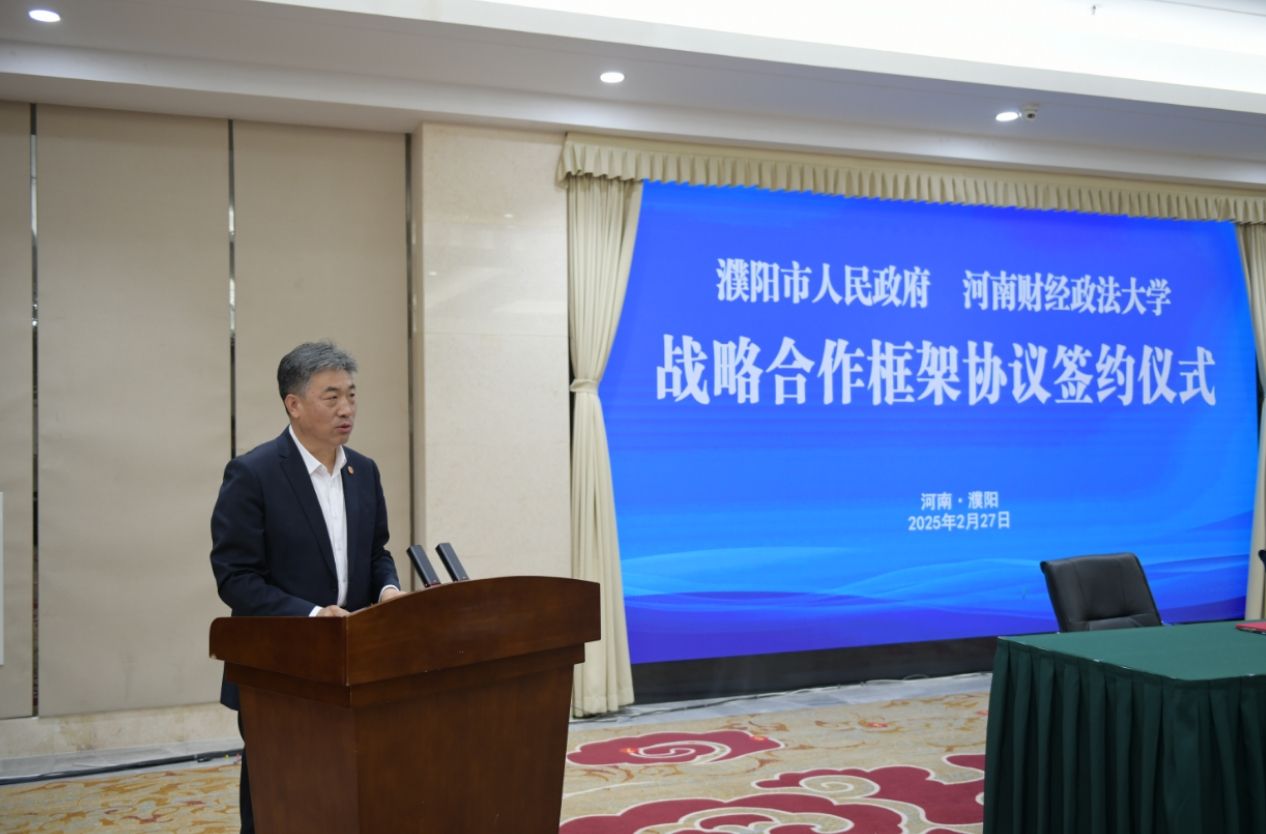
- A Delegation Led By Si Linsheng From Henan University Of Finance And Economics Went To Puyang For Inspection And Signed A Strategic Cooperation Agreement